Browser Automation
Purpose
Let the agent drive a real browser - navigate, click, fill forms, extract content, take screenshots - for sites and web apps that need more than a fetch.
How it works
- Built on Puppeteer (
puppeteer-core+@puppeteer/browsers) with stealth scripts (src/puppeteer/*.txt) to reduce bot detection. src/tools/browser/manages the lifecycle:launch.ts(chromium launch),tab-supervisor.ts/tab-worker.ts(per-tab worker processes),tab-protocol.ts,cmux(connection multiplexing),aria/(ARIA tree for screen-reader-style access),readable.ts(content extraction),render.ts.- Two modes: headless and visible;
/browsertoggles between them.
Configuration
browser:
  enabled: true        # master toggle (schema key browser.enabled)
  headless: true       # true = headless, false = visible window
  cmux: ...            # connection multiplexing option
  screenshotDir: ...   # where screenshots are saved
Real example
> open example.com and screenshot the hero section
> (agent launches chromium, navigates, captures docs/screenshots/...)
> /browser            # switch headless <-> visible
Screenshot
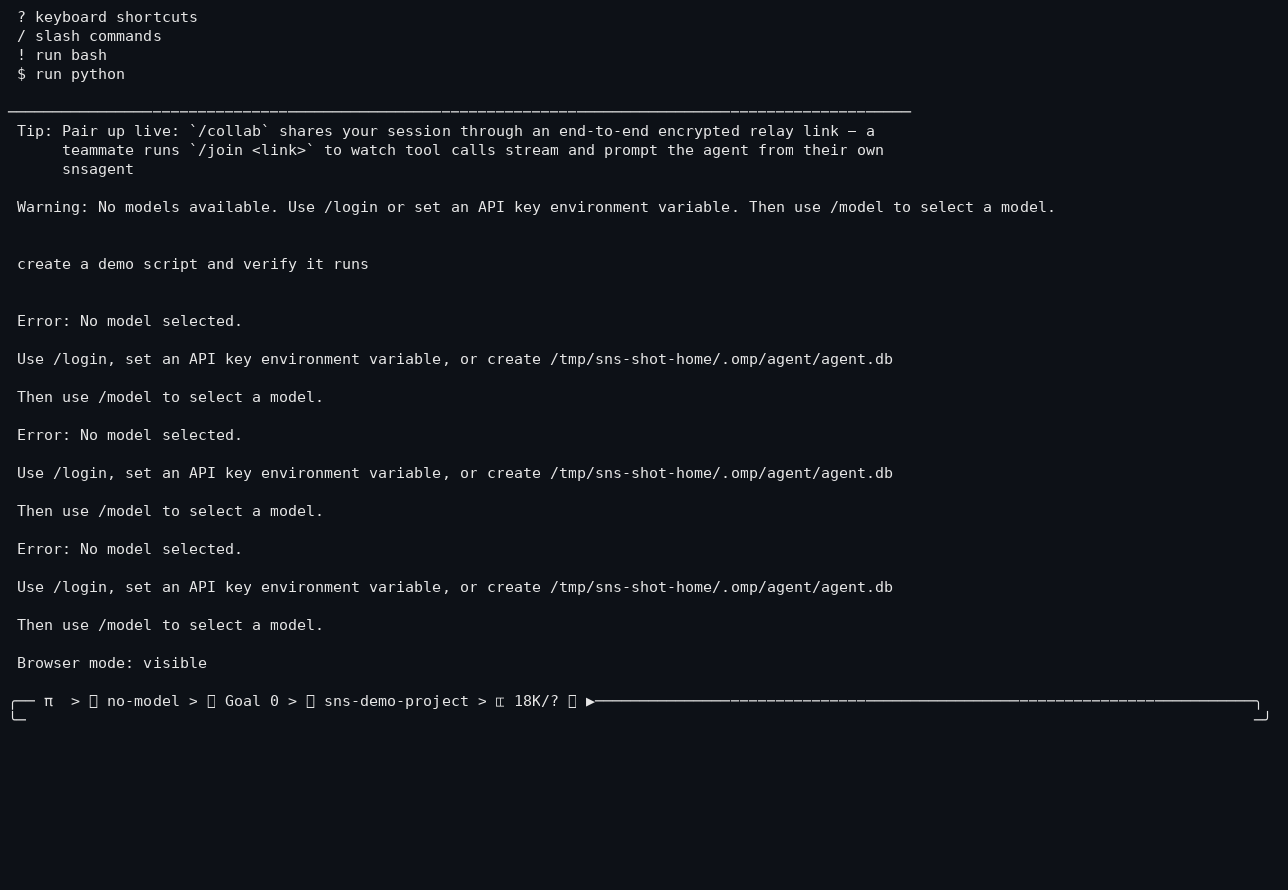
/browser reports the active mode (headless or visible) in the TUI.
Failure behavior
- Without a Chromium install, launch fails with a clear error; the tool surfaces it instead of crashing the session.
- Tab workers are supervised - a crashed tab is restarted or reported rather than killing the whole browser.
Limitations
- Requires a Chromium binary; first launch may need
npx puppeteer browsers install chrome. - Heavier than plain HTTP fetch; use for interactions, not bulk scraping.
- Stealth helpers reduce detection but are not guaranteed undetectable.