Cron Scheduler
Purpose
Run agent actions on a schedule - prompts, shell commands, or skills - from a persistent SQLite-backed scheduler inside the agent process.
How it works
CronScheduler(src/cron/cron-scheduler.ts) ticks every 60 s (configurableintervalMs) and runs any due jobs.- Cron expressions are standard 5-field (minute hour day-of-month month day-of-week);
src/cron/cron-parser.tsprovidesparseCronExpression,cronMatches,getNextCronRun,describeCron. - Jobs persist in SQLite via
CronStore(cron-store.ts). - Action types:
prompt(feed a prompt to the agent),shell(run a command),skill(invoke a skill by name).
Configuration
/cron list                   # List all jobs
/cron add <name> <expr> <type> <action>   # type: prompt | shell | skill
/cron remove <id>
/cron run <id>               # Run a job immediately
/cron enable | disable       # Toggle the scheduler or a job
Real example
> /cron add daily-backup "0 2 * * *" shell "git push --tags"
> /cron list
> /cron run daily-backup
Screenshot
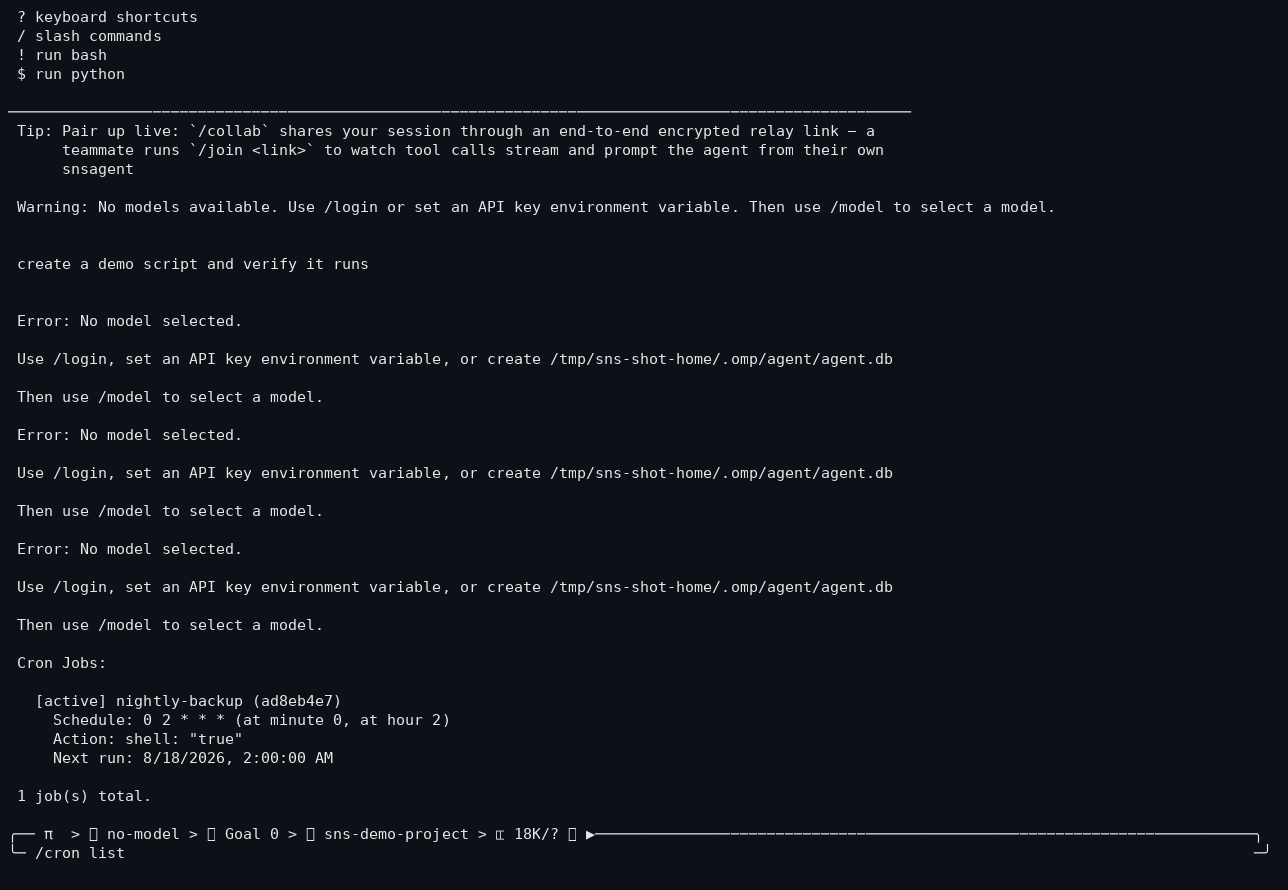
/cron list after adding a job (nightly-backup, 0 2 * * *, shell action).
Failure behavior
- A tick that throws logs
Cron tick error:and the scheduler keeps going on the next interval (seecron-scheduler.tserror handling). - Jobs whose action fails are recorded with their last-run timestamp; the scheduler doesn’t crash the process.
Limitations
- The scheduler runs inside the agent process only - if the agent isn’t running, cron jobs don’t fire.
- Interval granularity is 60 s; sub-minute schedules aren’t supported.